How to Automatically Organize Email Receipts Without Manual Sorting
Receipt management helps organize paper and digital receipts so they stay accessible for returns, warranties, taxes, and everyday financial clarity.
Your inbox becomes filled before you know it. It's not even a personal email, most of it.
Each time you make an online purchase, renew a subscription or book a service, a confirmation email arrives in your inbox. Amazon orders. Walmart purchases. App subscriptions. Electronics. Clothing. Travel bookings. The list keeps growing.
New consumer data indicates that the average online buyer conducts dozens of digital transactions per year. At the very least, one confirmation email is sent with every purchase. Over the years, that’s hundreds of receipt emails clogging up your inbox.
It doesn't, at first, seem to be a problem. The receipt is digital. It feels safe. It seems searchable.
But months down the line when you need a receipt for a return, warranty check or proof of purchase for something else, you’re scrolling endlessly. What used to feel organized now feels chaotic.
Email receipts are stacking up and most folks don’t have an actual system in place to manage Gmail receipts automatically.
The good news is, you don’t have to waste time organizing emails, making complex folders, or writing everything down in spreadsheets manually. There’s a more intelligent way to auto-file email receipts and maintain organization.
But Email Receipts Are a Bother to Organize
Email was not meant to be built for structured records. That distinction becomes clear as your buying history expands.
Receipts mingle with newsletters and promotions and social notifications and correspondence between friends. Important confirmations get buried quickly. Search doesn’t always help either. Each vendor uses their own subject line, so locating a purchase is hit or miss.
You could set up a Receipts label in Gmail. You can also move confirmations to a dedicated folder. But that only moves where the emails end up. It does not structure the content it contains.
If you want to find out how much you spent at a particular store last year, you are still required to open individual emails. There's also no easy filter if you're shopping within a certain price range.
Eventually, your inbox becomes digital junk. And clutter creates stress.
What does Auto Filing Email Receipts mean
But automatically organizing email receipts involves more than simply sorting messages into folders.
It involves identifying receipt emails, extracting critical purchase information and converting that into clean, searchable records.
Instead of receipts as emails, it's receipts as transactions in the feed.
That means not just knowing the merchant name, purchase date and total amount, but placing that information into a centralized dashboard where everything can be searched and filtered with ease.
You are no longer swiping through chats. You are keeping track of your online shopping receipts in one neat place.
That shift transforms the way you run your digital life.
Four Tips for Automatically Tidying Up Your Email Receipts
People use a few different tactics to deal with email receipts. Some help temporarily. Others create long-term efficiency.
Gmail Filters and Labels
In Gmail, you can even do this with filters, with keywords like receipt or order confirmation. These filters will apply labels automatically, and it will sort receipts away from other emails.
This reduces inbox clutter. But the receipts are, in fact, separate msgs. You still have to open each one of these to see what you bought.
Helpful, but not true automation.
Email Rules and Folders
In Outlook and other platforms, you can set up automatic rules that move receipt emails into folders.
This makes your inbox cleaner, but it doesn’t build an organized overview of purchases. You are still arranging messages, not transactions.
Spreadsheet Tracking
Some people copy-paste purchase details into Excel or a Google Sheet to plot their spending.
It adds some sense of structure, but is not automatic. The upkeep becomes cumbersome after a while. It does not actually auto-save email receipts. It just shifts the work elsewhere.
Using a Dedicated Receipt Organizer Platform
The best solution to this problem is a receipt organizer software built from the ground up to handle digital receipts.
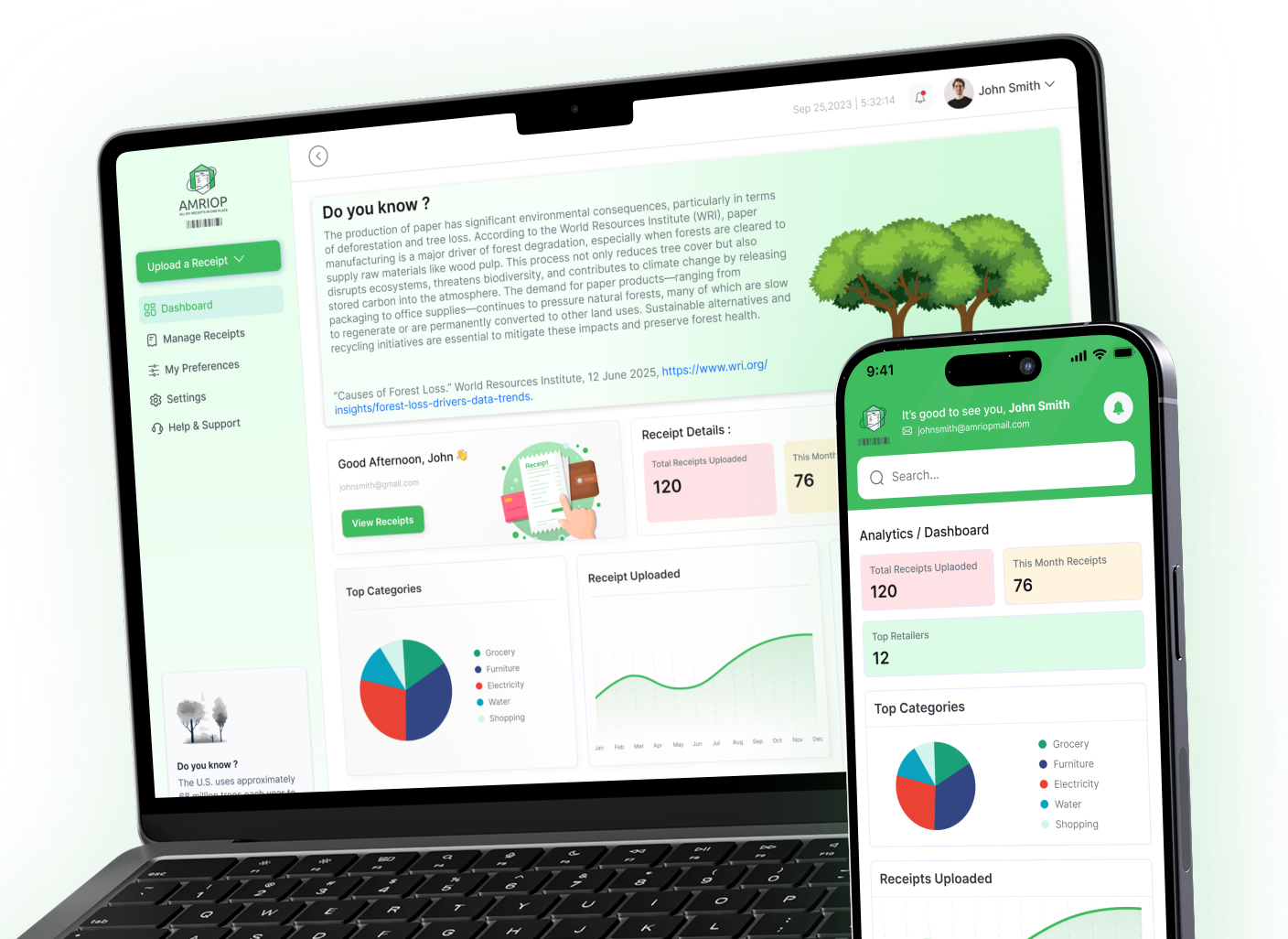
Instead of filing emails, it securely connects to your inbox, looks for receipt emails, parses purchase details and pulls them into a structured dashboard.
This is actual digital receipt management, not mere email sorting.
How AMRIOP Saves Me Time Keeping Email Receipts Organized
AMRIOP was created so you could separate Gmail and Outlook receipts for free, but only by setting it up manually.
If you are using Gmail and Outlook for your account, our system securely connects your inbox via encrypted access. It knows to look for order confirmations and receipt emails, so you don’t have to forward or upload anything.
Based on this, AMRIOP also fetches important purchase information like the merchant name, purchase date and the amount spent.
Rather than letting this be lost in email threads, it puts everything into one consolidated dashboard.
You can search by store.
All without actually having to open 25 different email messages.
The software operates quietly in the background. No copying. No labelling. No spreadsheets.
If you want to know more about how structured digital receipt management is working, you can check out our extensive guide to digital receipt management on AMRIOP.
Your receipts turn into neatly organized records without you or anyone else doing a thing.
Real Perks Of Automating Email Receipt Management
The difference is evident once your receipts are automatically organised.
You really see a lot of efficiency because you don’t have to look at 100 emails. But all essential purchase details are available on demand. The returns and warranty checks are easy and stress-free.
Digital clutter has reduced significantly. Because now your inbox goes back to primarily being for messaging.
Most importantly, you gain visibility. When you view your purchases in one organized dashboard, it offers clarity that fragmented emails never give.
Convenience is not the only thing that automation brings. It creates control.
Common Mistakes to Avoid
Many people assume saving receipts in their inbox is enough. However, even digital files become difficult to manage without structure.
Inbox search alone is rarely reliable. Too many folders create confusion. Manually forwarding or copying receipts adds unnecessary work. When a receipt is urgently needed and cannot be found quickly, frustration builds.
Imagine standing in line at a store to return or exchange an item. There is a long queue behind you. The cashier asks for the receipt, and you begin searching through hundreds of emails trying to locate it. What should take seconds turns into minutes. The pressure increases as others wait, and the simple task becomes unnecessarily stressful.
The solution is to build a system before you need it.
Organization should happen consistently, not reactively.
Final Thoughts
Online shopping continues to grow. Subscriptions renew automatically. Digital confirmations arrive daily. Email receipts are here to stay.
The actual question has more to do with whether they stay scattered or become organized.
Automate your email receipts, and you’ll reduce stress, save yourself time and rid the world of unnecessary digital receipts. You don’t need to sift through a mass of messages — you get an organized purchases archive clearly structured from the start.
Your inbox was not designed to be a filing cabinet.
If you are looking to automatically store email receipts and organise online shopping receipts in a secure dashboard, AMRIOP can have you set up in minutes.
Stop manually sorting.
Stop searching endlessly.
Start effortlessly collecting receipts now.
Frequently Asked Questions
Question: Automatically save email receipts in Gmail. How can I {automatically} send certain emails to a folder?
Answer: You can create filters and labels, but it would be more efficient to use an app specifically for receipt organization that automates the detection and storage of email receipts in a structured format.
Question: Can Gmail organize receipts automatically?
Answer: Gmail can tag receipt emails, but it doesn’t parse out purchase information or construct a searchable transaction dashboard.
Question: What is the best way to keep track of receipts from online shopping?
Answer: The best way is with a digital receipt management system that summarizes purchase info by merchant, date and amount versus raw email.
Related Blogs
View all the related blogs from here
Managing Receipts for Warranty Claims and Returns
Missing a receipt can cost you a warranty or return. Here's how to organize and store receipts digitally so you're always covered when it matters most.
 Uploaded on 30 Apr 2026
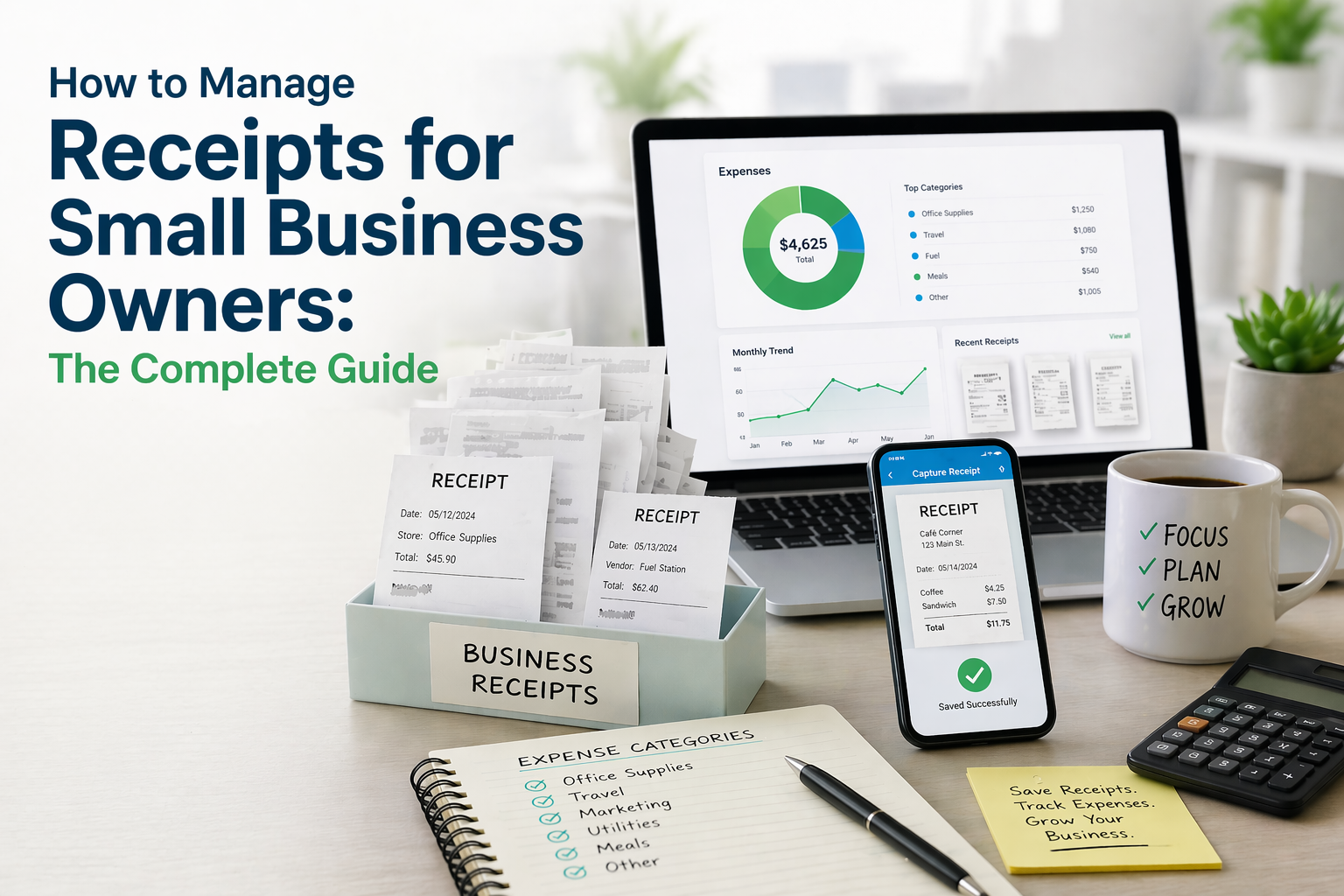
How to Manage Receipts for Small Business Owners: The Complete...
Learn how to manage receipts for small business, organize digital and paper records, and build a simple system for accurate tracking and compliance.
Uploaded on 21 Apr 2026
How to Track Your Expenses Using Digital Receipts (Simple and...
Learn how to track expenses using digital receipts, organize your spending, and gain better financial clarity with a simple, practical approach.
Uploaded on 17 Apr 2026
Start Your Paperless Journey
At Amriop, we’re more than an invoice management software, we’re building a smarter, more sustainable way to handle digital receipts. Whether you want to manage eReceipts more efficiently, adopt electronic receipts to reduce waste, or use secure digital receipt storage, Amriop offers a receipt organizer and receipt management system designed for everyone.
Go Paperless Now