How to Go Paperless at Home: Receipts, Bills, and Documents (The Smart Way)
Stop drowning in paper clutter. Learn how to digitize your receipts, bills, and documents at home — and keep them organized for good.
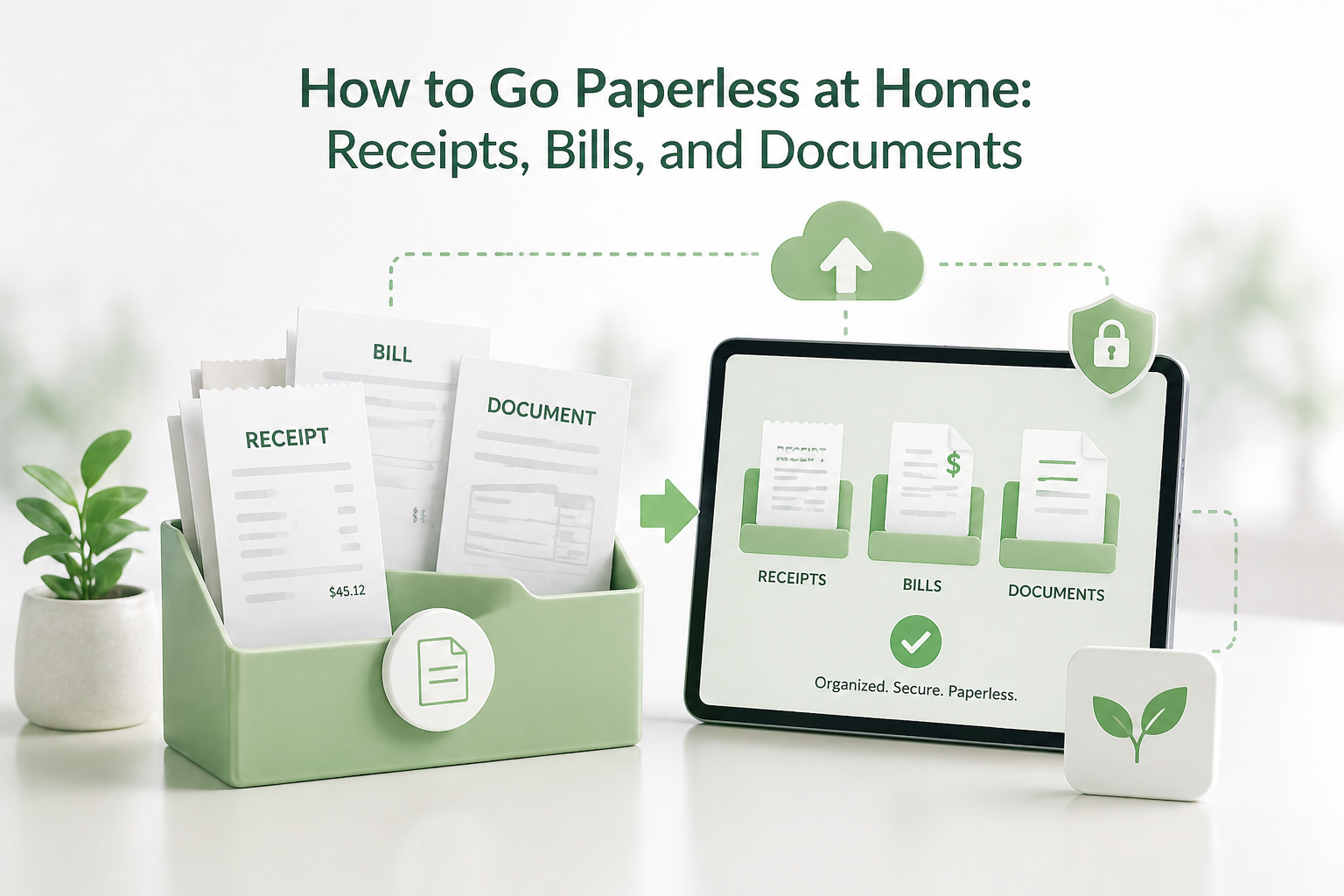
The average household spends money and collects documentation like receipts and bills, along with record-keeping for things like insurance and taxes, every year. Draws become full, and folder documentation becomes disorganized. When you want to find something, it can take you an unreasonable amount of time to do so. Does this describe your situation??
Going paperless at home doesn't need to be just an eco-friendly choice; it can serve other, greater purposes. More efficient living is one of those other purposes. With the right tools and strategies, you can eliminate clutter, preserve crucial information, and access documents instantly. Documents for every room of your house and folders can be easily organized. Every room can be easily maintained with a simple click.
Why Going Paperless at Home Actually Matters
Before explaining how to go paperless at home, it is important to explain why you need to. The benefits of a paperless home extend further than just an organized home.
Environmental impact: Paper receipts are a significant environmental concern. In many areas, thermal paper receipts are not easily recyclable. Some receipts use chemical coatings such as Bisphenol compounds, and exposure through handling is a topic of ongoing research. Across large populations, the environmental impact of high-volume receipt usage can add up.
Financial clarity: If you go paperless, you can digitize your bills and receipts, giving you a real-time spending summary.
Security and peace of mind: Fire and water damage, loss, and misplacement are common risks associated with paper documents. Store the digital documents safely in the cloud. They are protected and encrypted, and are instantly accessible at any time, from any location.
Time savings: Each year, people spend hours trying to find documents. This time is no longer wasted once documents go digital.
Step 1: Digitize Your Receipts
Receipts are the most frequent paper document in a household and the easiest to go digital with. Here's how to tackle them.
Stop Accepting Paper Receipts
The easiest way to keep up with the receipt digitization is to stop receiving paper copies. Most, if not all, stores that you visit offer the option to email the receipt after the purchase is completed. Make this choice. Order confirmations are a perfect example of digital receipts that you don’t have to manually digitize.
Use a Dedicated Receipt Management App
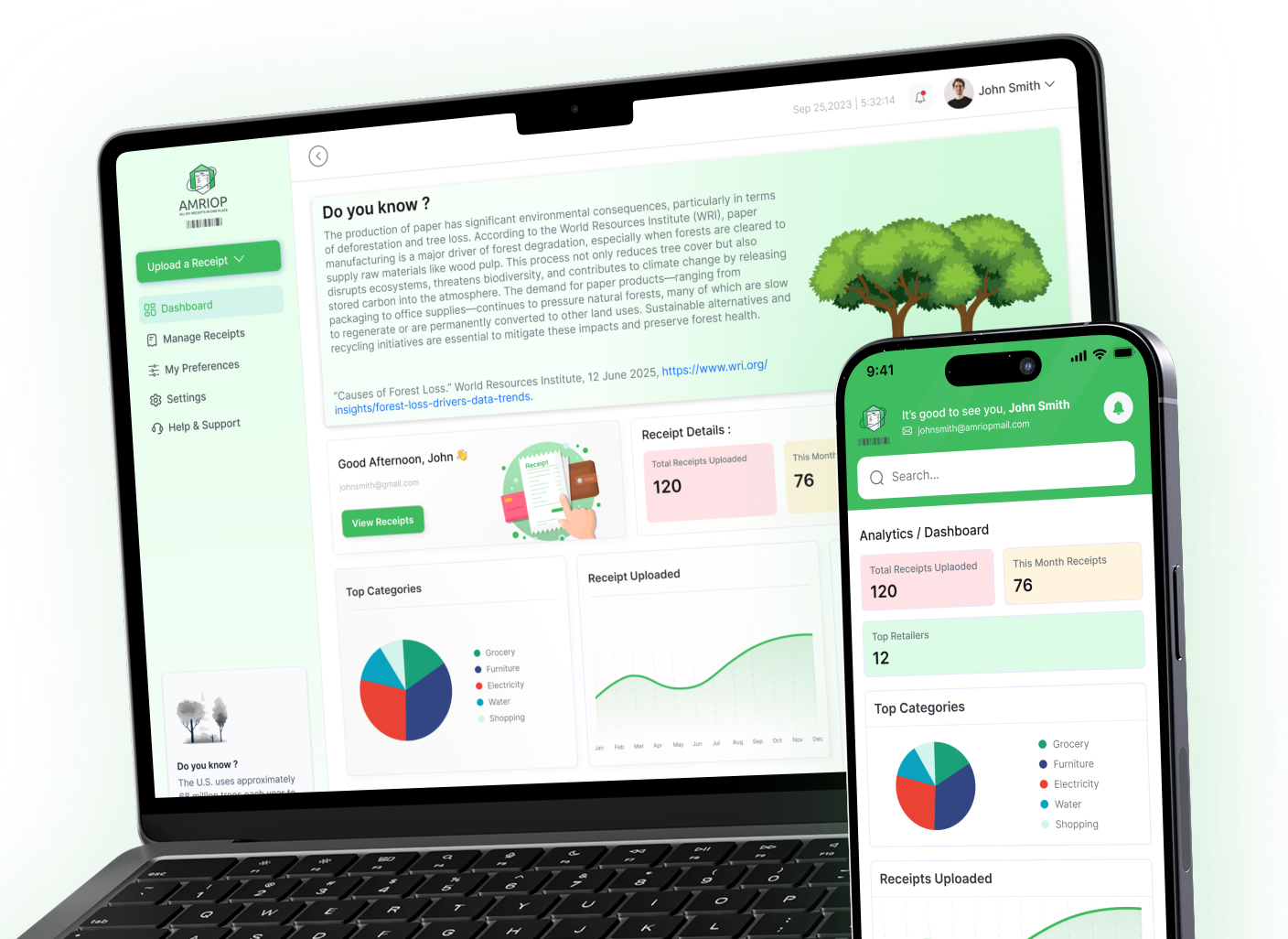
The problem with emailed receipts is that they quickly get buried in your inbox, making them just as hard to find as the paper versions. This is where a dedicated receipt management platform like Amriop (amriop.com) becomes invaluable.
Amriop — which stands for "All My Receipts In One Place" — is a free platform that lets you store, organize, and manage all your receipts digitally. You can:
- Upload receipts manually by snapping a photo or uploading from your phone or computer
- Receive receipts directly via email — when a retailer sends a receipt to your Gmail or Outlook account, it can appear automatically on your Amriop dashboard
- Organize by category, store name, and location — create folders like "Groceries," "Home Repairs," "Travel," or anything that fits your lifestyle
- Store coupons and membership/loyalty cards in dedicated folders, so you never miss a discount at checkout
All receipts on Amriop are encrypted and fully private — the platform does not have access to view your receipts. Your data stays yours.
For Old Paper Receipts
If the backlog of old paper receipts is large, set an hour to photograph all old receipts one by one, and upload each. In many cases, paper receipts can be discarded after digitization, but you may want to check local requirements or specific use cases before doing so.
Step 2: Go Paperless With Bills and Statements
Major paper clutter flow from your home can be from monthly bills; like electricity, water, internet, insurance, and credit cards.
Switch to Paperless Billing
Sign in to the online portals of your different service providers to register for e-billing or paperless statements. Almost all companies make this fairly simple, and some companies may even give a credit for choosing this option. You can use the list below to get started:
- Utility bills (electricity, water, gas)
- Internet and phone providers
- Credit card statements
- Bank statements
- Insurance policies (health, home, auto)
- Mortgage or rent statements
Set a recurring reminder to check and download these statements each month, or set up automatic forwarding to a dedicated email folder.
Create a Digital Filing System
Once bills arrive digitally, they need a home. Create a simple folder structure in Google Drive, Dropbox, or iCloud:
Home Documents/
├── Utilities/
│ ├── Electricity/
│ ├── Water/
│ └── Internet/
├── Insurance/
├── Banking/
└── Tax Records/
Name files consistently — for example, 2025-04_ElectricityBill.pdf — so they're always easy to find and sort chronologically.
Step 3: Digitize Important Household Documents
Most homes have a collection of important documents, and most of these documents can and should go paperless.
Priority Documents to Digitize First
- Identity documents: Passport, driver's license, birth certificate (store originals securely)
- Property documents: Lease agreements, mortgage papers
- Medical records: Vaccination records, prescriptions
- Vehicle documents: Insurance, service history
- Warranties and manuals
- Tax records: Many people keep records for several years, but requirements vary by region. It is advisable to check local regulations.
How to Scan Documents at Home
You don't need a dedicated scanner. Most smartphones have built-in scanning:
- iPhone: Notes or Files app
- Android: Google Drive
- Apps: Adobe Scan, Microsoft Lens
Always scan in PDF format. Before discarding physical copies, ensure digital versions are clear and check whether originals are required for legal or official purposes.
Step 4: Protect and Back Up Your Digital Documents
Going paperless only works if your digital documents are safe. Follow these best practices:
Use cloud storage with automatic backup: For cloud storage, Google Drive, iCloud and Dropbox, in addition to backing up your documents, some provide cloud storage for your documents.
Enable two-factor authentication: For cloud storage, backup, and maintaining safety, be sure to use 2-factor authentication.
Encrypt sensitive files. For sensitive files like tax returns or identification, store documents in an encrypted folder or in a secure password manager that allows document storage.
Maintain one offline backup. Better than an external hard drive that is stored at home is one that is stored at a trusted friend or family member’s home. This is a good backup in case the cloud service goes down.
Step 5: Build a Paperless Habit That Sticks
Going paperless is about changing your habits more than anything else. A few strategies to create paperless habits include the following.
Do a weekly digital sweep. Spend five minutes each week filing any new digital receipts, bills, or documents into the right folders. This prevents the digital equivalent of paper piles.
Go to the source. When a new subscription or service starts, immediately sign up for paperless billing before you receive a single paper statement.
Use Amriop as your receipt hub. Instead of managing receipts across your inbox, your Photos app, and random folders, keep everything in one place. Amriop's organizational system — with categories, store names, locations, and custom folders — gives your receipts the structure they deserve.
Declutter regularly. As paperless as an individual can be, the reality is that paper needs to be organized. Start with this at least once a year and recycle or shred documents that are no longer needed.
The Bigger Picture: A Greener, More Organized Home
Going paperless is an excellent sustainable initiative you can adopt at home. It decreases paper waste, helps decrease the demand for deforestation, and helps you avoid exposure to BPA on your receipts.
The benefits to you personally are also very important. With a paperless home, your receipts are no longer lost, and your searches before doing taxes are a thing of the past. You no longer have to deal with the annoying clutter of your junk drawers.
With platforms like Amriop handling the receipt side of things for free, and cloud storage tools handling everything else, there's genuinely no reason to wait. Start with your receipts; they're the quickest win and build from there. Your future self (and your kitchen drawer) will thank you.
Ready to go paperless? Start by signing up at amriop.com with your Gmail or Outlook account. It's free, takes under a minute, and is the easiest first step toward a clutter-free, fully organized home.
Related Blogs
View all the related blogs from here
How to Store Your Digital Receipts So They’re Secure and...
Learn how to store digital receipts safely, organize them properly, and keep purchase records accessible for returns, warranties, and taxes.
 Uploaded on 03 Mar 2026
What Is Receipt Management? Definition, Importance, and Best Practices
Receipt management is the practice of organizing paper and digital receipts so they remain accessible for returns, warranties, taxes, and everyday financial cla...
Uploaded on 26 Feb 2026
e-Receipts: What They Are and Why You Should Use Them
e-Receipts replace paper slips with digital records. Learn what they are, their benefits, and why managing them properly makes them truly useful.
Uploaded on 17 Feb 2026
Start Your Paperless Journey
At Amriop, we’re more than an invoice management software, we’re building a smarter, more sustainable way to handle digital receipts. Whether you want to manage eReceipts more efficiently, adopt electronic receipts to reduce waste, or use secure digital receipt storage, Amriop offers a receipt organizer and receipt management system designed for everyone.
Go Paperless Now