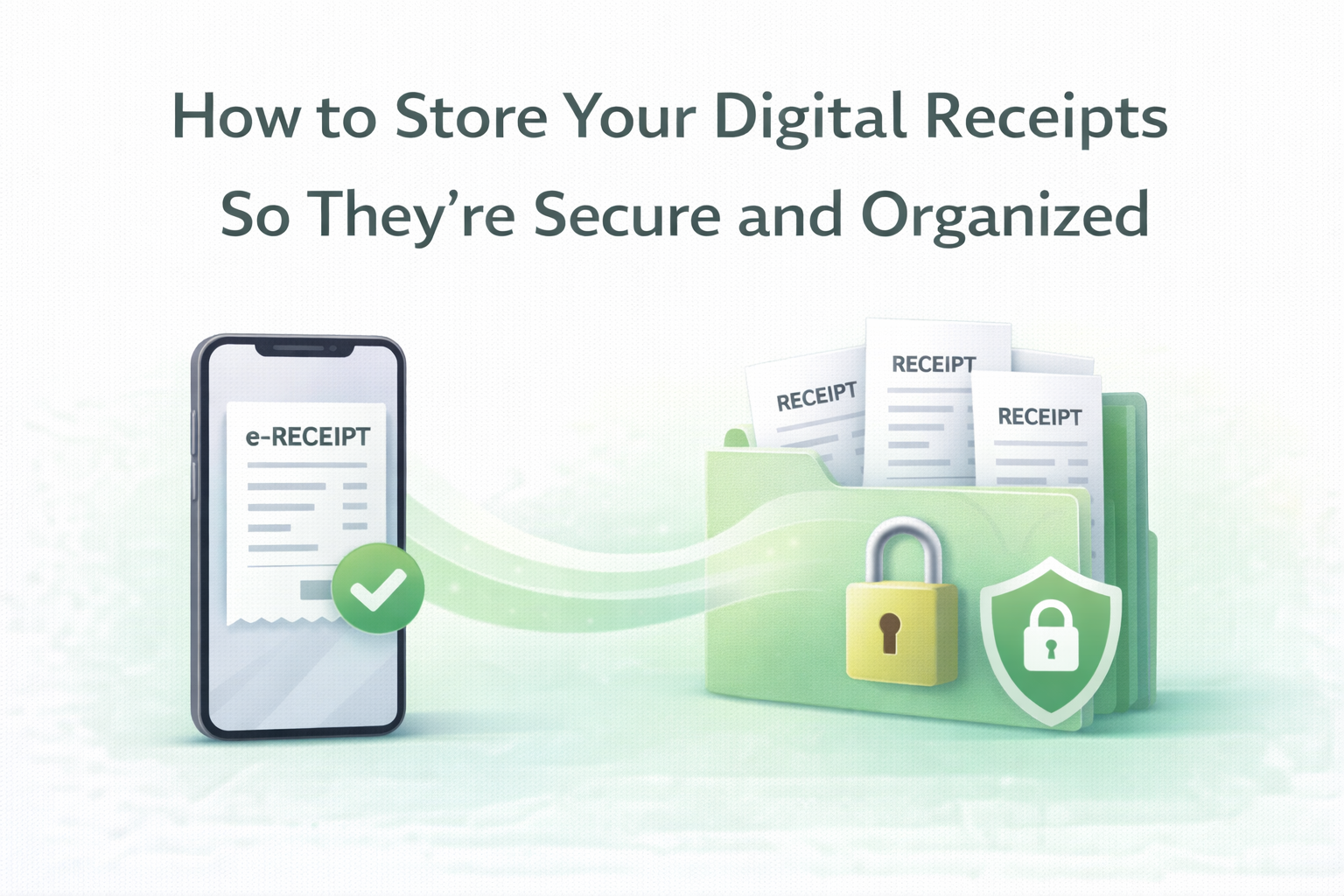
How to Store Your Digital Receipts So They’re Secure and Organized
Learn how to store digital receipts safely, organize them properly, and keep purchase records accessible for returns, warranties, and taxes.
Why Do Digital Receipts Still Get Lost?
Digital receipts are a regular part of daily life. Electronic confirmations via e-mail and text messages rather than printed slips now document grocery purchases, mail orders, utility payments, subscription renewals and service transactions. At the surface level, it seems convenient and paperless.
But digital does not necessarily equal organized.
Most people let receipts languish in crowded email inboxes or make their way into scattered cloud folders. The critical purchase record becomes hard to find over a period. Trying to search through hundreds of emails when a return, warranty claim or refund request comes up is frustrating and drags the process out.
Digital receipt storage requires intention. Electronic clutter, without that kind of structure, can be just as troublesome as piles of paper receipts.
What Is Digital Receipt Storage?
Digital receipt storage means to have electronic receipts collected, organized and stored in a proper system over time.
Getting a digital receipt is not the same as properly storing it.
Receiving is automatic.
Storing is intentional.
Managing is structured.
An emailed receipt is just a confirmation until it is put into an effective storage system. With true digital receipt management, your purchase history is readable, searchable and retrievable months or even years later.
When executed well, storage of digital receipts is a step in a more comprehensive receipt tracking routine that safeguards financial insight and prevents future headaches.
Mistakes People Make When Storing Digital Receipts
People often think their inbox is a warehousing solution. It is not.
These are the most common slip-ups that cause you to lose your digital receipts:
Leaving receipts in email threads
Transaction confirmations get buried quickly under promotional emails, updates, and newsletters. This creates a downhill spiral in search features, even strong ones.
Overusing cloud folders
If you create more folders without a proper structure, it leads to clarity paralysis.
Inconsistent file naming
Keeping files with ambiguous names like “receipt1. pdf” makes retrieval difficult.
No backup system
Important receipts shouldn’t reside solely on a single device or account.
Consider a simple scenario. You are at a store counter trying to return an item. The receipt is asked by the cashier. You start scrolling through your inbox as the other customers wait behind you. What should only take seconds, yet is minutes of searching. That moment comes at a cost of poor digital receipt organization.
No doubt, the utility of digital receipts storage is maximal when you need it in a pinch.
Step-by-step guide to properly store digital receipts
The best tools for digitally storing receipts are not complex. It requires consistency.
1. Capture Receipts Immediately
If you get a digital receipt, immediately file it into your system for storage. Don’t save it in your inbox to organize later.
If you get a paper receipt, scan it as soon as possible to make a digital copy.
2.Centralize Storage in One Location
Scattered receipts create confusion. Store your digital receipts in the same place.
Centralization also means receipts are not scattered across multiple inboxes, devices and cloud platforms.
3. Use Clear Categorization
Organize receipts by:
Location
Purchase category
Vendor name
Grouping them together on things like groceries, electronics, medical expenses, utilities and travel makes it easier to access later.
4. Make Sure the Files Are Clear and Complete
If you scan receipts, check that the image is legible. Files that are blurry or cropped lose their usefulness to investigators.
Digital receipts should contain:
Purchase date
Vendor details
Payment confirmation
Item description
5. Back Up Important Receipts
For larger purchases, like electronics or appliances, keep a separate copy. This guards against account trouble or accidental deletion.
6. Review Periodically
Develop a simple habit of reviewing unfiled receipts every few months. Duplicates must be removed, and classification categories should remain unchanged.
Doing small maintenance avoids big organizational problems down the line.
How Long to Keep Digital Receipts?
Retention is based on the reasons for the receipt.
Returns and Exchanges
Hang on to receipts at least until the return window has closed.
Warranty Documentation
Keep receipts for as long as the warranty lasts.
Tax Records
Retention periods for tax-related expenses vary according to local rules. Individuals and businesses keep receipts for many years.
High-Value Purchases
Electronics, appliances and major purchases should last as long as you own them.
Long-term storage is simplified with digital receipts, as electronic files do not fade over time, unlike thermal paper.
Security and Privacy Considerations
Receipts have more than just purchase information. They often include:
Partial payment information
Personal contact details
Billing addresses
Transaction identifiers
Scattered storage increases risk. If receipts are passed between multiple accounts or devices haphazardly, this could expose sensitive information.”
The digitisation and centralization of receipts, it gives you greater control. It cuts back on duplication and curbs excessive sharing.
Responsible digital receipts maintenance includes secure storage habits.
The Importance of Structured Digital Receipt Management
Going paperless can solve many organizational problems for some people. In a way, paper clutter just turns into digital clutter.
Electronic receipts, without structure, sink back into inboxes or spread across platforms in misfiled chaos. This fragmentation makes them less useful over time.
Adopting a structured approach to receipt management converts digital receipts into trustworthy records. It keeps the purchase history easy to access, search for, and verify.
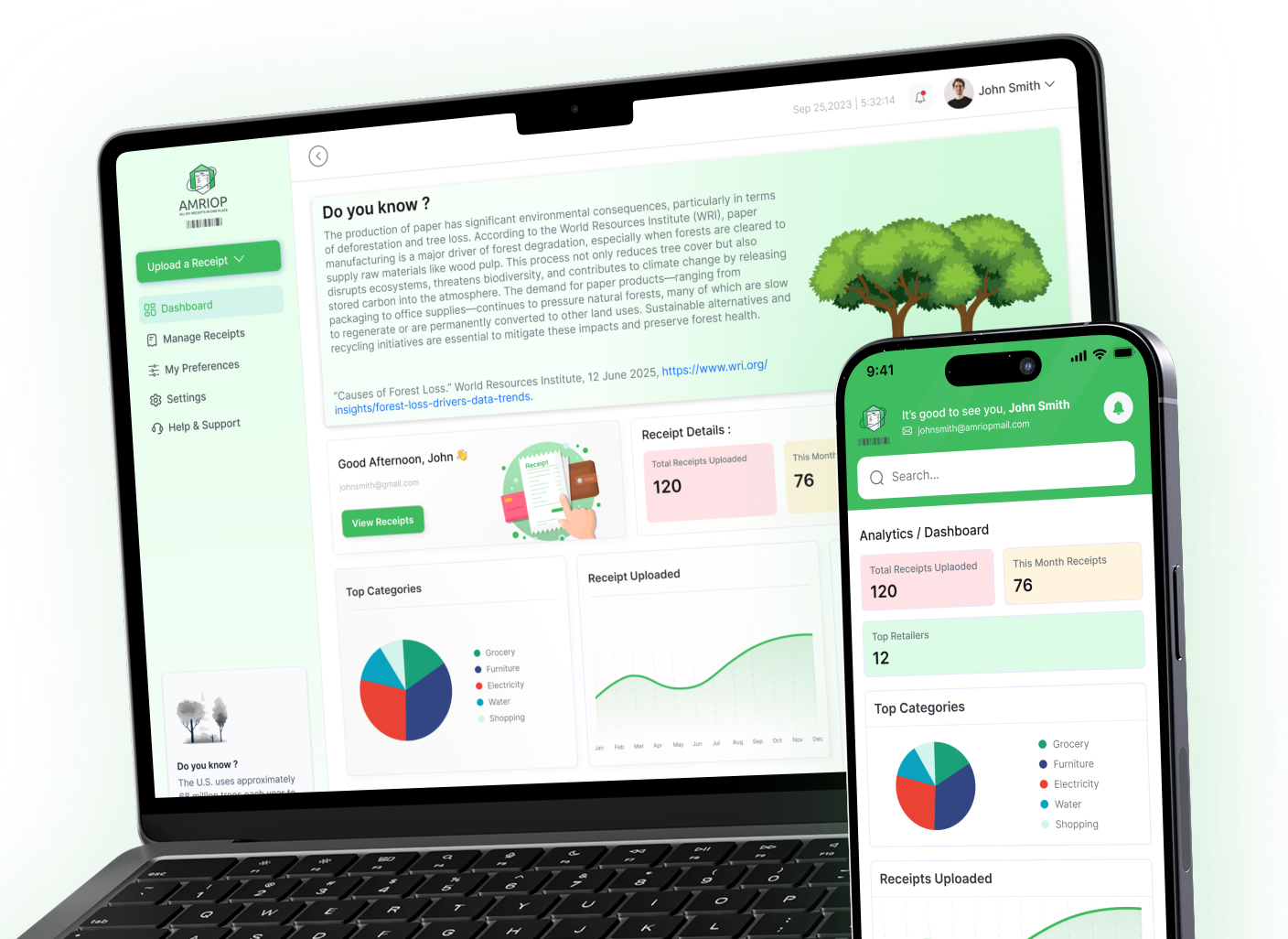
Specific digital receipt management platforms can help simplify this process. Examples of this include AMRIOP, from which electronic receipts are collected into a central database without, on the sender´s side, fragmentation of the inbox and further associated recall costs.
If you treat it not just as a depository of receipts, but rather an organized way to manage every receipt you need to keep, then management is sustainable.
Making Digital Receipt Storage Sustainable
Here sustainability means consistency.
Digital receipt storage should:
Require minimal effort
Follow repeatable rules
Remain centralized
Be easy to maintain
If a process is too complex, it will not be followed thoroughly. Simplicity increases long-term success.
But, providing consistency across all environments is a challenge that well-built platforms, such as AMRIOP, built around receipt organization provide this by moving digital receipts, solving systematically in one single point solution.
The goal is not just storage. The goal is reliable accessibility.
A conclusion: To Be Better, Digital Needs Organization
While you have gone paperless, with digital receipts, it does not mean that they do not need to be organized.
The e-receipts pile up, and you are unable to locate them when an emergency arises. This structured storage of digital receipts allows purchase records to be readily available for returns, warranties, tax preparation and long-term reference.
Incorporating simple habits like taking pictures of receipts at the point of origin, centralized storage (for both paper and digital documents), consistent categorization and periodic review can keep an individual from having to face unnecessary frustration in the future.
Digital receipts only get useful if they are organized.
Frequently Asked Questions
Question 1. How do I store digital receipts properly?
Answer. The most effective strategy for organizing digital receipts is to get them into one structured system, categorize them consistently, and review periodically. Having receipts stuck in email inboxes doubles the chance of losing purchase records.
Question 2. Are digital receipts safe for archival?
Answer. Yes, a properly organized and securely stored digital receipt is safe for long-term storage. They also do not fade like paper receipts. But they need to be managed appropriately to make sure they are both accessible and protected.
Question 3. How long to keep digital receipts?
Answer. Digital receipts should be saved at least until you exhaust return or warranty. They may have to be kept for several years, depending on local regulations, for tax-related expenses or high-value purchases.
Related Blogs
View all the related blogs from here
How to Go Paperless at Home: Receipts, Bills, and Documents...
Stop drowning in paper clutter. Learn how to digitize your receipts, bills, and documents at home — and keep them organized for good.
 Uploaded on 30 Apr 2026

What Is Receipt Management? Definition, Importance, and Best Practices
Receipt management is the practice of organizing paper and digital receipts so they remain accessible for returns, warranties, taxes, and everyday financial cla...
Uploaded on 26 Feb 2026
e-Receipts: What They Are and Why You Should Use Them
e-Receipts replace paper slips with digital records. Learn what they are, their benefits, and why managing them properly makes them truly useful.
Uploaded on 17 Feb 2026
Start Your Paperless Journey
At Amriop, we’re more than an invoice management software, we’re building a smarter, more sustainable way to handle digital receipts. Whether you want to manage eReceipts more efficiently, adopt electronic receipts to reduce waste, or use secure digital receipt storage, Amriop offers a receipt organizer and receipt management system designed for everyone.
Go Paperless Now