How to Scan Receipts and Digitize Your Financial Records
Scanning receipts helps reduce paper clutter, but organization matters. Learn how to digitize receipts and keep everyday purchase records easy to find.
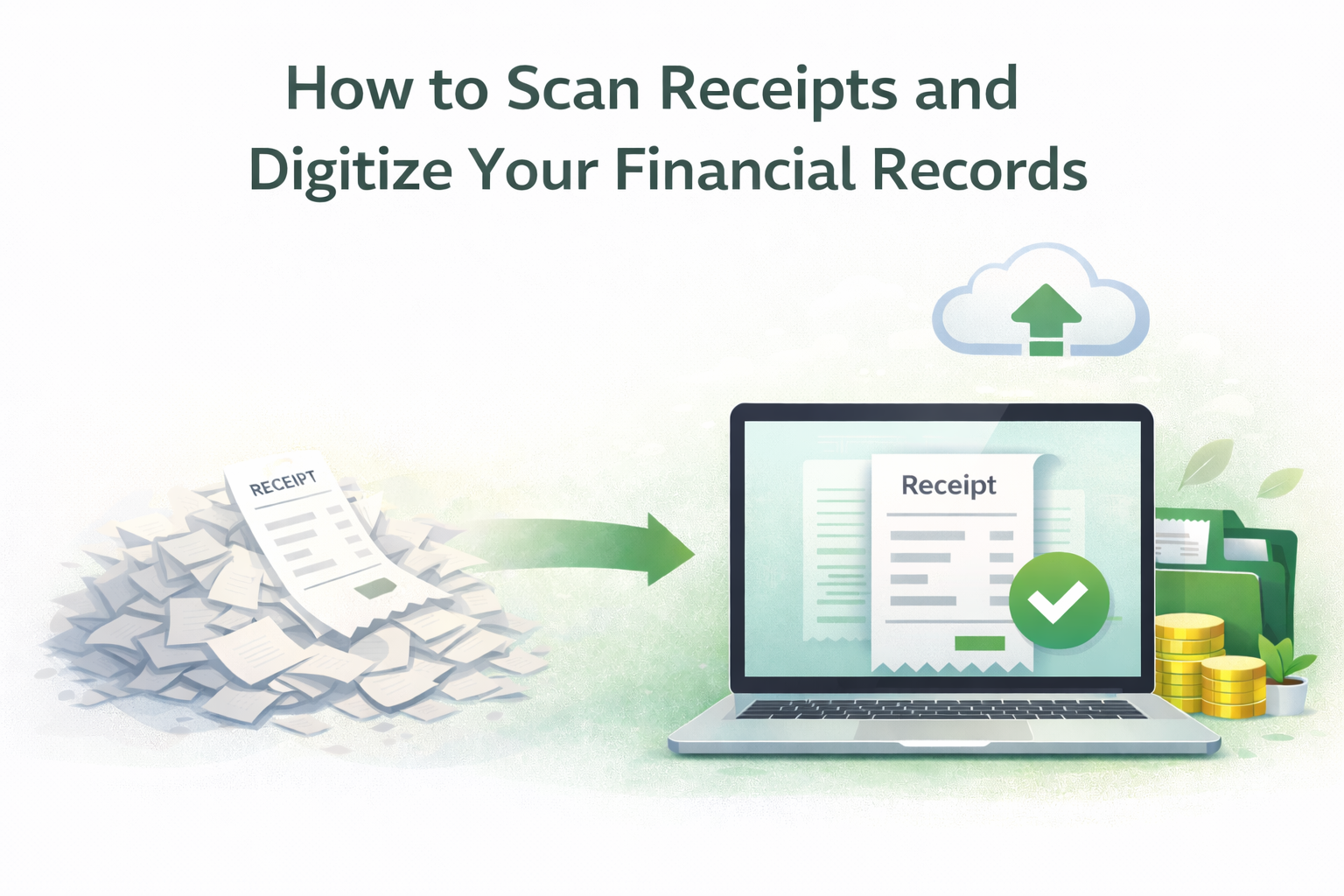
Paper receipts can be found everywhere. Retail stores, grocery stores, pharmacies, service stations, cafes, anywhere you go, you are likely to obtain a receipt. They are easy to misplace and very difficult to keep organized. Over time, receipts stack up and then are lost when needed, or fade and are no longer legible.
A great solution to the problem described above is to scan or record receipts and digitize them. It creates a record that can be accessed at any time and integrates a paperless method of organization, helping to keep a clutter-free environment. This is a guide to help the average consumer understand the proper way to record a receipt and convert it to a digital record.
Why is it Important to Scan Receipts
Most people think that if a payment is digital, its record will also be digital. However, most people still receive a paper receipt for every purchase, regardless of whether the payment was cash, card, or mobile. There are many reasons someone might want to keep a receipt in addition to needing one for a return, warranty, reimbursement, or just tracking some spending.
Paper receipts are also fragile, can tear or fade and be ultra disorganized. By scanning a paper receipt and creating a backup, the receipt does not deteriorate, which means it can be accessed at any time, and it may eliminate the need to keep piles of paper at home.
Most consumers do not associate digitally saving receipts with complicated financial systems. It is simply about preventing small inconveniences that could snowball into larger issues.
What It Means to Digitize Receipts
To digitize receipts means to convert a paper receipt into a digital record that can be stored, accessed, and referenced. This involves scanning or taking a picture of a receipt so that the information remains in a readable format.
There is a big difference between saving a photo to your camera roll versus creating a functioning digital record. A digitized receipt is one that is clear, complete, and easy to retrieve later. The objective is not to simply capture an image, but to preserve the information in an accessible format.
When done correctly, digitized receipts are able to replace fragile paper receipts with dependable records that won't fade or get lost.
Common Situations Where Digitized Receipts Help
Digitized receipts can assist in a number of day-to-day scenarios.
For instance, grocery receipts can be useful for returns, exchanges or spending tracking. For warranty claims and service requests, electronics receipts are also important. Medical and pharmacy receipts could be needed for reimbursement or reference. Utility and service receipts that are delivered on paper can also be digitized to assist in the future.
In every scenario, having a clear digital copy saves time and frustration when it comes to searching for files or documents in drawers.
Before Scanning Receipts, What You Need
When scanning receipts, you do not need technical or advanced equipment. What matters is the workflow.
Start with paper receipts. Receipts that are readable and undamaged are the best to work with. Before scanning receipts, flatten them to avoid shadows or creases. Use any scanning method, such as a scanning app or a camera that produces a decent-quality image. Many people just use their smartphones or a basic scanner.
Also, deciding where to store the digital receipts is just as important. Having no consistent and systematic digital storage makes scanned receipts as bad as having paper ones.
How to Scan Receipts for the Purpose They Serve
When receipts are scanned in a certain way, they can be used for a long time.
Make sure to scan the entire receipt. Try not to scan just the edges where the date or total might be. Ensure that the receipt is well-lit and that every text is clear and readable. Scan in such a way that no shadows or glares are present.
Try to always scan a little faster. Clear scans are important as it prevents a lot of inconveniences later when the receipt is needed for reference.
Converting Scanned Receipts Into Usable Digital Records
Only a small portion of the digitization process is completed upon scanning a receipt. Receipts scanned and saved as random images in a phone gallery are forgettable and hard to find.
A digital record is defined as one which can be easily and quickly retrieved. The record should be scanned and stored in a logical manner. Digitization is the process of simply creating orderly storage, not just increasing the storage capacity of a facility by removing paper.
When receipts are scanned with retrievability in mind, they can be utilized as functioning records instead of being relegated to temporary images.
Mistakes People Often Make When Digitizing Receipts
A common mistake is scanning receipts, but never filing and organizing them. Scanned images become buried and forgotten as photos, messages, and downloads pile up.
Other people save receipts in too many different places. Some are stored in email accounts, others in folders in the cloud, and some are even in the storage of the phone. When receipts are scattered, it is hard to find one when it is needed.
People also think digital means it will always be there. Without any means to locate stored receipts, they are just as easily lost as a paper record.
Why Digitized Receipts Still Need Organization
Removing physical records and replacing them with digital files is not truly digitization. Digital records will only be paper records in a different form without some organization.
Emails, by default, are not meant to function as long-term storage for receipts. Coupons, advertisements, and other emails pile up, making finding receipts a hassle. Trying to find something you need months later is annoying.
Digital receipts hold long-term value through the organization that is given to them. This is the value that will allow receipts to be located when needed.
How Digitization Supports Paperless and Eco-Friendly Habits
The environment is helped by the storage of scanned receipts. Digitized receipts allow for fewer paper copies to be stored when not needed.
The longer a paper receipt is scanned, the less reliance will be placed on that paper. This also means that more paper waste will be avoided.
Holding on to receipts and scanning them is a step in the right direction, showing responsible consumption that does not require a person to change their everyday lifestyle.
Where AMRIOP Fits In
Digital records can help declutter physical records, but most people frequently run into the issue of too many digital records. Receipts take many forms: pictures saved on phone, emails, and texts. Initially, digitally saving a receipt seems to be a form of good organization, but when the time comes to reference a saved receipt, the receipt often cannot be found.
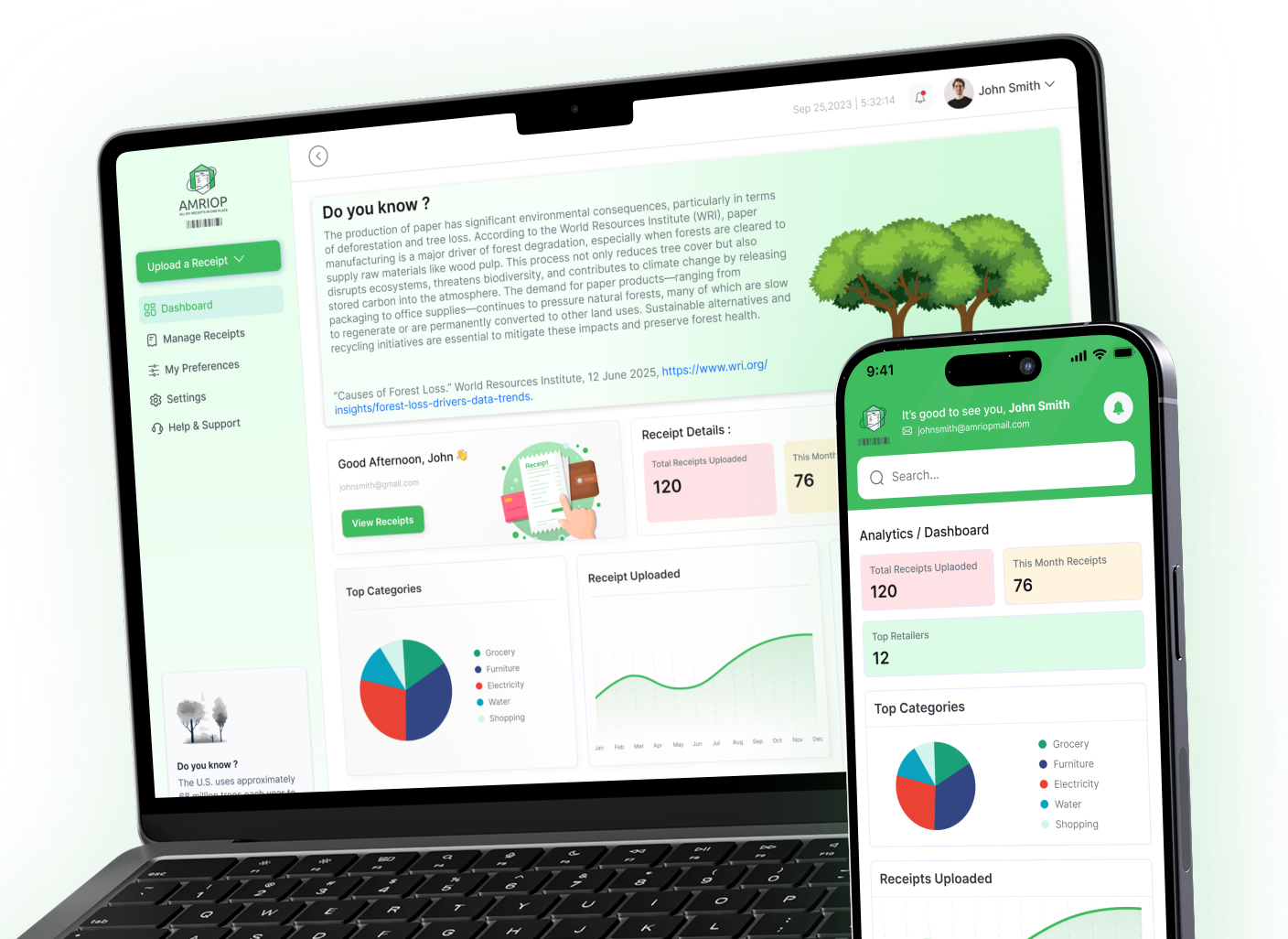
AMRIOP eliminates this problem digitally. AMRIOP allows users to consolidate scanned and digitized receipts and declutter electronic records. Everyday purchases do not need to be scattered on phones, emails, and digital folders. Supermarket receipts for a return, gadget receipts for warranty service, and service receipts for reference can all be kept for future reference. Their retrieval can all be simplified by keeping them in one organized app.
In addition to digitization, AMRIOP offers the supportive service of orginization. The service allows consumers to easily manage their digital records and scanned sketches. Receipts will not clutter apps or texts. Instead, the digital records will be highly accessible in the AMRIOP app for future reference. AMRIOP will reduce the need for and frustration from searches by digitally organizing records.
The Benefits Of Digitizing Receipts
Most people still receive paper receipts, and they will for some time. Fortunately, digitizing receipts can be done in easy, gradual steps.
Creating an organized system for digital receipts can save large problems down the line, such as lost proof of purchases or missing records.
When you start building a digital system today, you save yourself the headache of missing or incomplete records in the future.
Conclusion: Digitizing Receipts is a Payoff Habit
The habit of scanning receipts can be done with little effort and huge benefits. It saves and protects important data, saves you from large paper piles, and makes data easier to access.
Receipts can be scanned and organized to create a reliable digital record, but some people want more from digitized records.
For most people, digitizing records is simply a way to get rid of little annoyances and to keep an organized record of their daily expenses.
Related Blogs
View all the related blogs from here
Managing Receipts for Warranty Claims and Returns
Missing a receipt can cost you a warranty or return. Here's how to organize and store receipts digitally so you're always covered when it matters most.
 Uploaded on 30 Apr 2026
How to Manage Receipts for Small Business Owners: The Complete...
Learn how to manage receipts for small business, organize digital and paper records, and build a simple system for accurate tracking and compliance.
Uploaded on 21 Apr 2026
How to Track Your Expenses Using Digital Receipts (Simple and...
Learn how to track expenses using digital receipts, organize your spending, and gain better financial clarity with a simple, practical approach.
Uploaded on 17 Apr 2026
Start Your Paperless Journey
At Amriop, we’re more than an invoice management software, we’re building a smarter, more sustainable way to handle digital receipts. Whether you want to manage eReceipts more efficiently, adopt electronic receipts to reduce waste, or use secure digital receipt storage, Amriop offers a receipt organizer and receipt management system designed for everyone.
Go Paperless Now